VDI and Secure Remote Workforce on AWS (2026): WorkSpaces Secure Browser vs Applications vs Full Desktop
Quick summary: Most remote-access RFPs still default to full Windows desktops, but 60%+ of contractor work is browser-only. WorkSpaces Secure Browser isolates SaaS in AWS; WorkSpaces Applications (formerly AppStream 2.0) streams fat clients without a desktop. A composite regulated services firm cut 3 legacy VDI vendors to 2 OU-scoped patterns and reduced unmanaged-endpoint incidents from ~9/quarter to ~2 after splitting browser vs app streaming.
Key Takeaways
- Most remote-access RFPs still default to full Windows desktops, but 60%+ of contractor work is browser-only
- WorkSpaces Secure Browser isolates SaaS in AWS; WorkSpaces Applications (formerly AppStream 2.0) streams fat clients without a desktop
- A composite regulated services firm cut 3 legacy VDI vendors to 2 OU-scoped patterns and reduced unmanaged-endpoint incidents from ~9/quarter to ~2 after splitting browser vs app streaming
- AWS lifecycle notice (June 30, 2026): Amazon WorkSpaces PCoIP and WorkSpaces Pool are entering sunset
- December 2025 added WebAuthn redirection for Secure Browser on Chromium (Chrome 136+, Edge 137+), so FIDO2 and passkeys work without abandoning session isolation
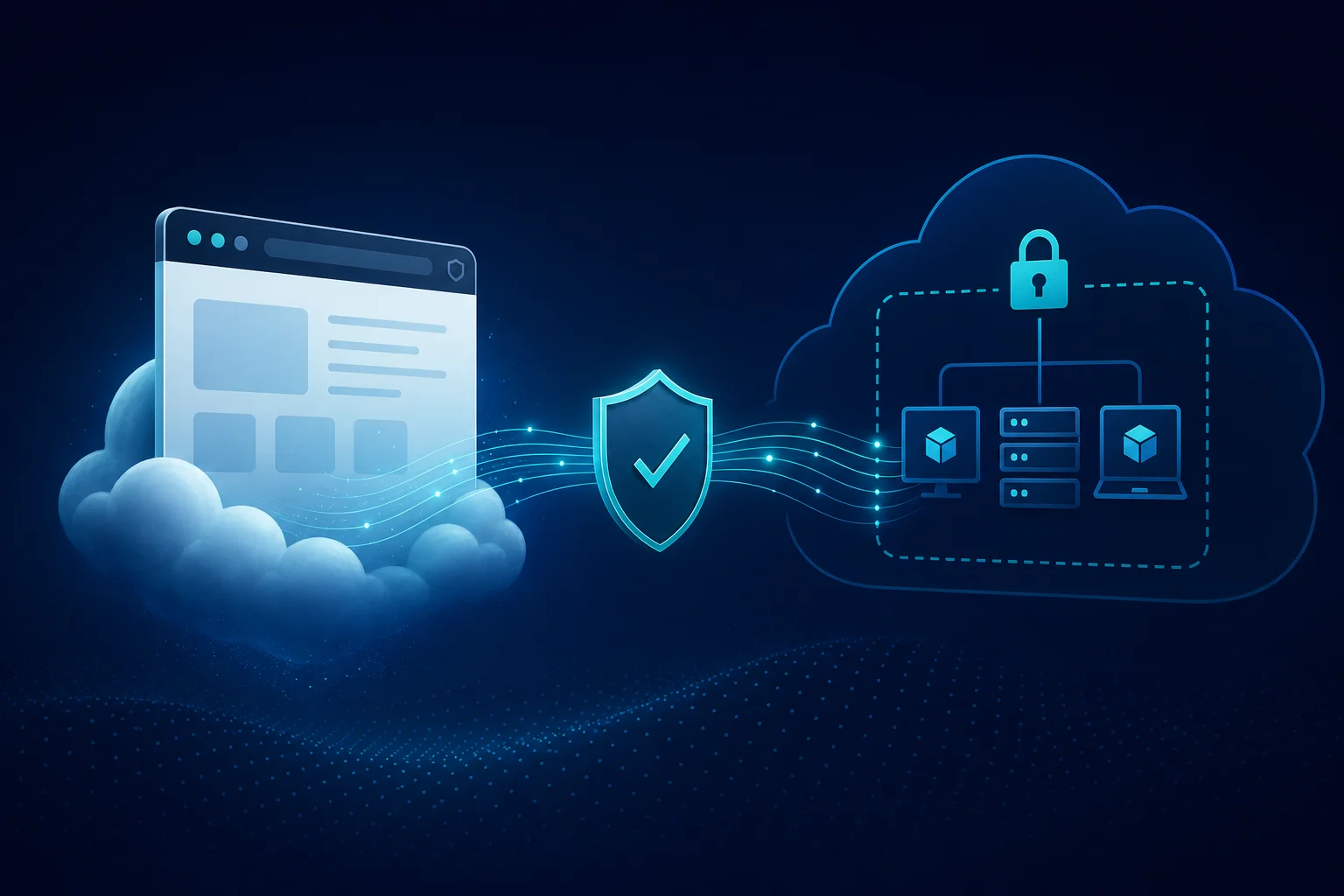
Table of Contents
Most enterprise remote-access programs still buy a full Windows desktop in the cloud. That made sense when every workflow ran a fat client. In 2026, a large share of contractor and partner work is browser-only (SaaS CRM, internal React apps, vendor portals), while a smaller cohort still needs AutoCAD, legacy ERP, or IDE-heavy environments. AWS split the problem into layers: Amazon WorkSpaces Secure Browser (isolated web), Amazon WorkSpaces Applications (the current product name for AppStream 2.0 application streaming), and WorkSpaces Personal/Core for full desktops.
December 2025 added WebAuthn redirection for Secure Browser on Chromium (Chrome 136+, Edge 137+), so FIDO2 and passkeys work without abandoning session isolation. This post is a decision guide and hardening baseline, not a console click-through.
We ship a VDI platform decision matrix, session hardening checklist, cost model worksheet, and secure remote workforce draw.io.
Pick the lowest layer that works
| Layer | Service | User experience | Typical $ signal |
|---|---|---|---|
| Web only | WorkSpaces Secure Browser | User’s Chrome/Edge; isolated tab streams from AWS | Lower per-seat; see worksheet |
| App only | WorkSpaces Applications | Browser tab streams one or more apps | Stream-hour + fleet instance |
| Full OS | WorkSpaces Personal / Core | Full Windows/Linux desktop | Monthly bundle or high stream hours |
Opinionated take: Secure Browser first for contractors. Applications when a specific installed app is non-negotiable. Full desktop only when OS-level tooling is proven, and not because procurement’s RFP template says “VDI.”
Architecture pattern (all layers)
IdP (SAML) → IAM Identity Center → Portal / Fleet
                                      ↓
                              Private VPC subnets
                                      ↓
                         Internal apps / SaaS / S3 assets
                                      ↓
                         CloudWatch Logs + KMS encryption
Identity flows through SAML 2.0; do not create local streaming users. For networking, keep streaming fleets and Secure Browser portals in private subnets with interface VPC endpoints for AWS APIs; reach internal apps via Route 53 Resolver rules, not public internet hairpins.
For AWS Console-only users, skip VDI entirely. Management console private access plus Identity Center is cheaper and easier to audit.
WorkSpaces Secure Browser
Use when:
- Contractors access SaaS or internal web apps only
- You cannot install agents on personal devices
- You need clipboard/print disabled by policy
Configure:
- Portal VPC association to subnets that can reach internal ALBs
- Disable clipboard and file upload unless legal approves
- Enable WebAuthn redirection (Dec 2025) if sites require FIDO2 (admin portal setting +
WebAuthenticationRemoteDesktopAllowedOriginson local Chromium)
WorkSpaces Applications
Use when:
- One or few Windows/Linux applications (ERP, CAD, IDE), not a full desktop worth of tools
- Sessions should be non-persistent and isolated per user
- You want a single application catalog version with no per-user MSI drift
Rightsize fleets: standard bundles for office apps; Graphics only after profiling proves GPU need. Idle disconnect saves stream-hour spend; see the worksheet.
Full WorkSpaces desktops
Use when:
- Developers need local admin-adjacent tooling, multiple heavy apps, or persistent profiles
- WorkSpaces Core for Active Directory-joined enterprise desktops
- WorkSpaces Personal for standalone persistent desktops without AD
January 2026 added Microsoft Office/Visio/Project 2024 to the WorkSpaces managed applications catalog. The charge is separate from the base bundle; model it in the worksheet before promising “included Office.”
Hardening before go-live
Run the session hardening checklist:
- MFA at IdP, group-based portal mapping
- Private subnets, least-privilege SG egress
- Session logging to CloudWatch / S3
- Stuck-session and credential-compromise runbook
Encrypt persistent user volumes with CMK where policy requires, and align key policies with streaming service roles per KMS architecture.
Cost discipline
Copy the cost model worksheet, fill seat counts and stream hours per cohort, and compare blended $/user/month across layers. The benchmark firm’s gain came from the layer split, with no special discount.
What to do this week
- Classify users into browser-only, app-only, and full-desktop cohorts, and count each.
- Pilot Secure Browser for the largest contractor browser cohort, with one internal app + one SaaS app.
- Inventory Graphics fleets and downgrade users who never touch GPU in session logs.
- Run the hardening checklist on one portal and one fleet before expanding OU scope.
- Wire IdP groups: one entitlement group per portal/fleet, not per user.
What this post doesn’t cover
- Mobile device MDM for native apps: out of scope for streaming.
- Amazon Connect / contact-center agent desktops: different latency and peripheral requirements.
- GovCloud / IL5 accreditation boundaries: confirm service availability and ATO overlays separately.
- Third-party VDI (Citrix, Omnissa) on EC2: lift-and-shift path when AWS streaming feature gaps are proven, not assumed.
- Deep AppStream image builder automation: see AWS documentation for image builders and fleet scaling.
Related: Console private access · KMS architecture · Enterprise governance · SOC 2 on AWS · Cloud security services
Frequently asked questions
What is the difference between WorkSpaces Secure Browser and WorkSpaces Applications?
When should we use a full WorkSpaces desktop instead of application streaming?
When should we NOT deploy AWS VDI streaming?
How does identity federation work for WorkSpaces streaming?
What changed recently for WorkSpaces Secure Browser?
What could go wrong during rollout?

Agentic AI & Cloud Security
Works on making teams more productive with agentic AI. Writes the FactualMinds guides on AWS security and compliance: identity, threat detection, data protection, and audit readiness, the controls AI agents need before they touch production systems.