Connect + SAP S/4HANA (Oct 2026): Phone to Business Partner in 5 OData Calls
Quick summary: On October 30, 2026, a Connect Lambda that identifies a caller in SAP S/4HANA needs 5 OData calls in 4 sequential steps, all inside Connect's 8-second synchronous limit. Here is the design, the failure map and a 12-test mocked adapter.
Key Takeaways
- On October 30, 2026, a Connect Lambda that identifies a caller in SAP S/4HANA needs 5 OData calls in 4 sequential steps, all inside Connect's 8-second synchronous limit
- Here is the design, the failure map and a 12-test mocked adapter
- On October 30, 2026, an Amazon Connect flow that wants to greet a caller by their SAP record has to do it in one synchronous Lambda call of at most 8 seconds
- Against S/4HANA, that call takes five OData requests in four sequential steps: phone to address, address to business partner, partner status, then open items and the last order in parallel
- This post walks through that chain, the authentication and network choices around it, and a mocked adapter that returns four flat strings
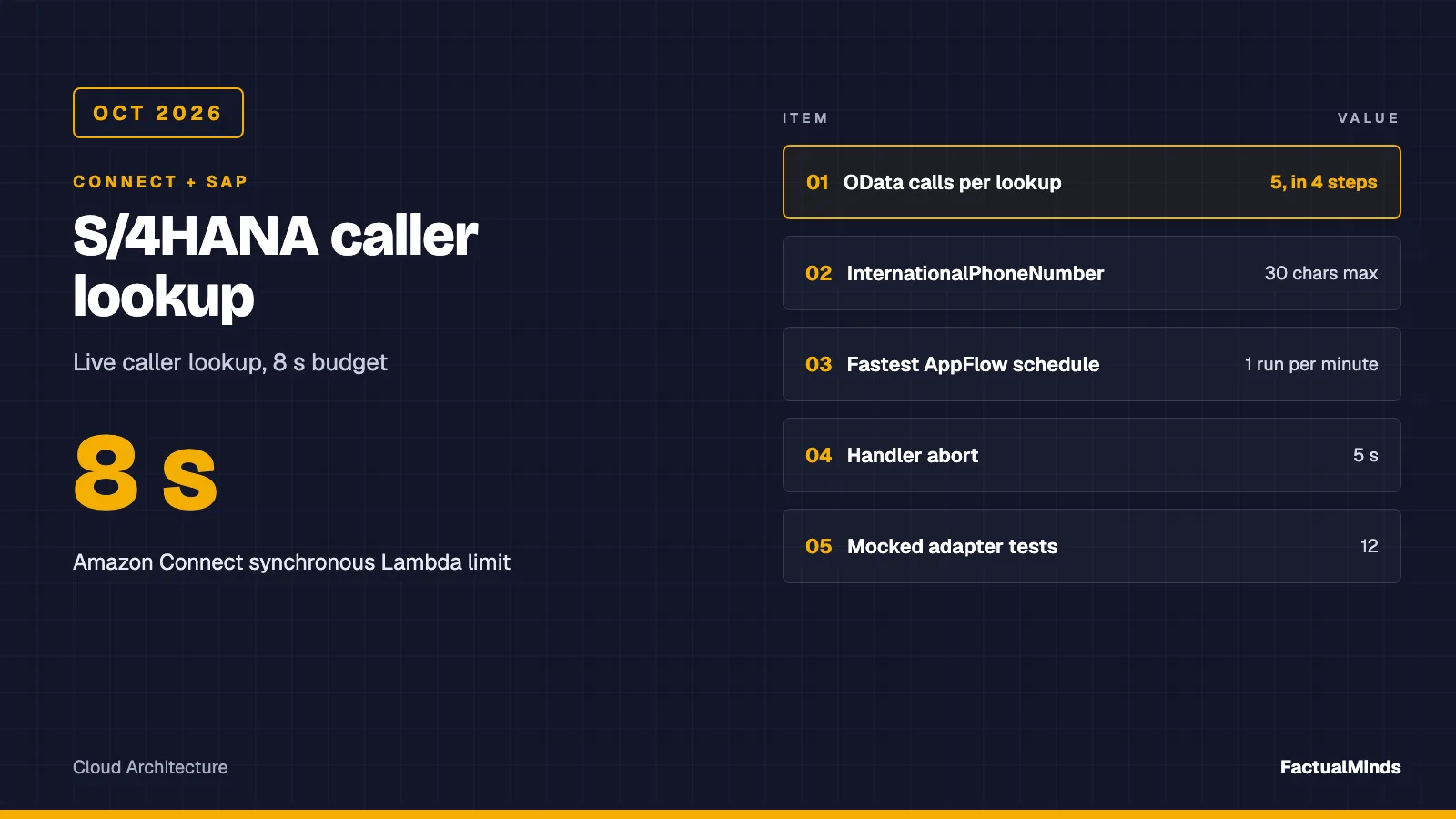
Table of Contents
On October 30, 2026, an Amazon Connect flow that wants to greet a caller by their SAP record has to do it in one synchronous Lambda call of at most 8 seconds. Against S/4HANA, that call takes five OData requests in four sequential steps: phone to address, address to business partner, partner status, then open items and the last order in parallel. This post walks through that chain, the authentication and network choices around it, and a mocked adapter that returns four flat strings.
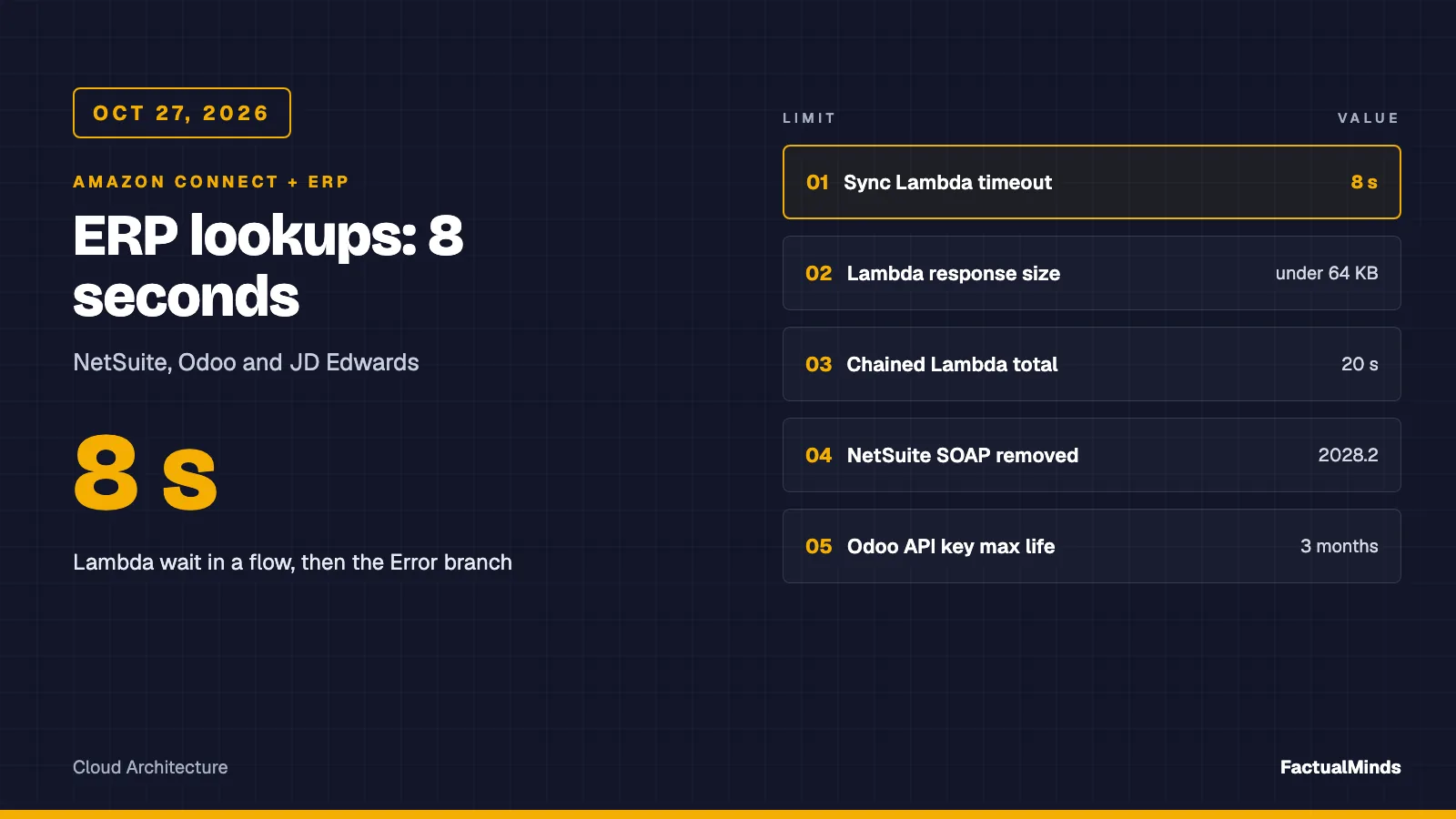
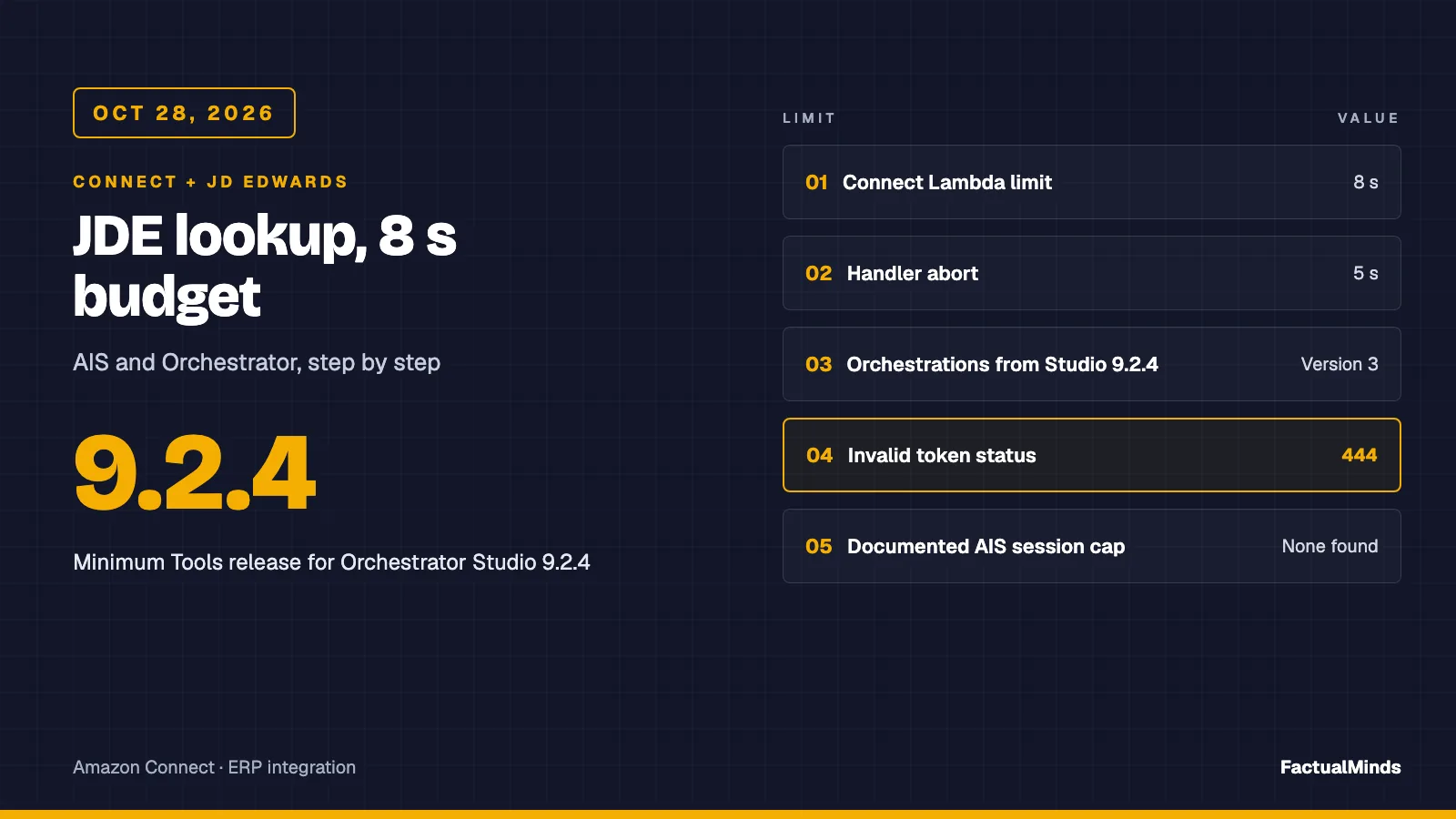
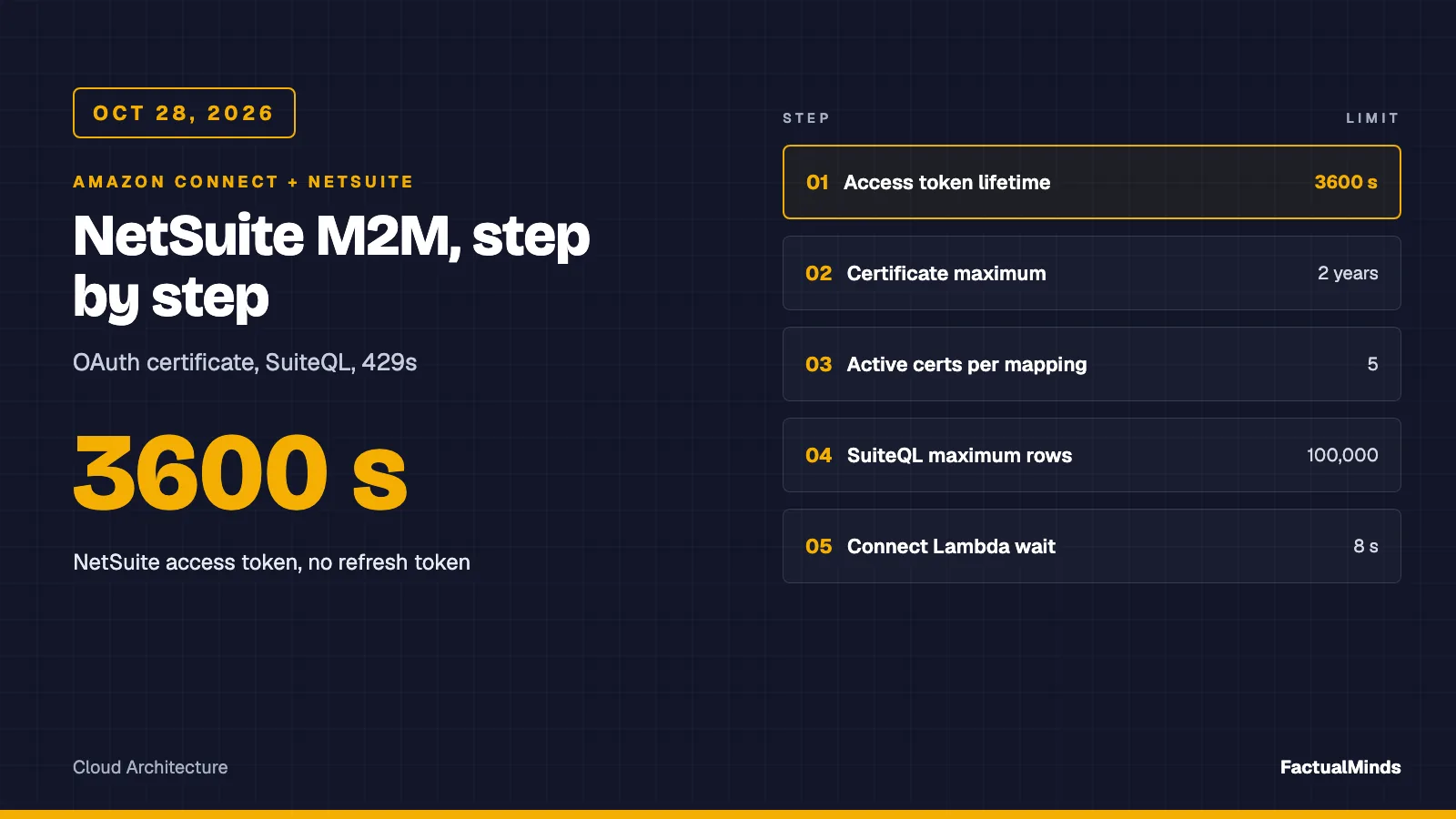
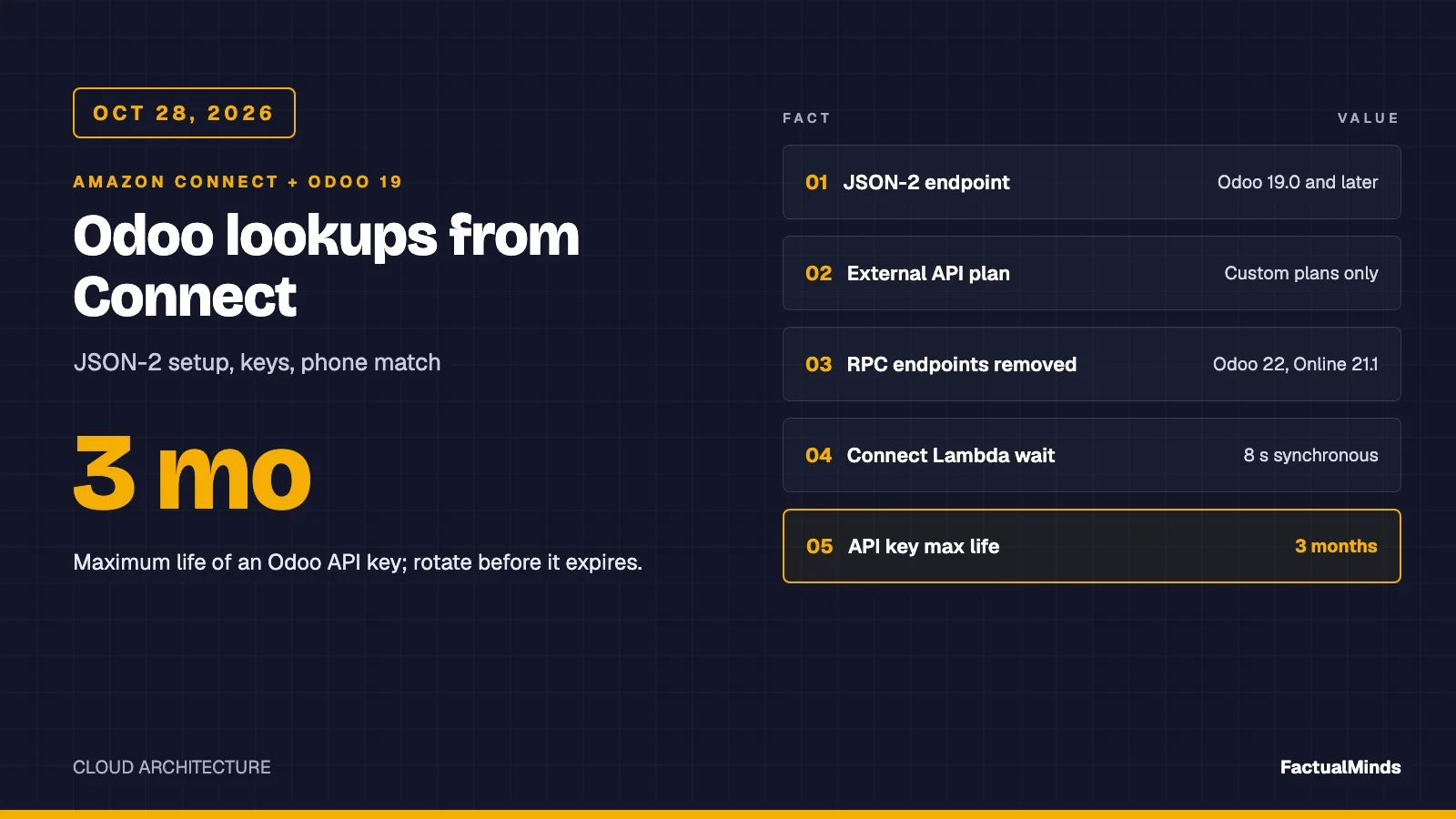
The shared contract is in the parent guide, Amazon Connect ERP integration: NetSuite, Odoo and JD Edwards: an 8-second ceiling, a flat STRING_MAP response, and a handler that returns a FALLBACK map instead of throwing.
This is a design, an illustrative set of OData responses and mocked tests. We have not run it against a live SAP system, and FactualMinds has no published Connect plus SAP engagement. Broader Connect work is on Amazon Connect consulting.
Native, supported or custom
| Piece | Label |
|---|---|
| Invoke AWS Lambda block, contact attributes | Native (Connect) |
| Business Partner, Sales Order and accounting OData APIs, communication arrangements | Native (SAP, SAP-supported) |
| AppFlow SAP OData connector into S3, Redshift or Connect | Supported (AWS), batch or scheduled transfer, not a per-call lookup |
| AWS SDK for SAP ABAP | Supported (AWS), runs inside SAP calling AWS, the wrong direction here |
| The four-step lookup and the 5-second abort | Custom engineering (artifact) |
On Customer Profiles: the AWS pages we read say its pre-built integrations are powered by AppFlow and EventBridge, name Salesforce, Zendesk and ServiceNow as examples, and document CustomerProfiles as an AppFlow destination. We found no SAP-specific Profiles connector. SAP OData into AppFlow into Profiles is therefore a batch route you could assemble. It answers “what do we know about this customer” on the agent screen, which the custom agent UI post covers, and it does not answer “what is the status of this account” while the IVR is waiting.
Which SAP you are on
The sample targets S/4HANA through released OData V2 services under /sap/opu/odata/sap/<service>. That path is the default service path in SAP’s generated metadata for all three services, and it applies to both editions.
- S/4HANA Cloud Public Edition. SAP admins expose each API through a communication arrangement for a communication scenario.
SAP_COM_0008covers Business Partner, Customer and Supplier integration. An SAP Knowledge Base article namesSAP_COM_0303, “Finance - Accounting Analytics Integration”, for the open-items API. We did not verify the scenario ID for sales orders, so look it up in your tenant’s scenario list. - S/4HANA on-premise or private. The same services are activated in SAP Gateway (the AppFlow page names transaction
/IWFND/MAINT_SERVICEfor OData V2). You also passsap-clienton-premise, which the adapter appends whenSAP_CLIENTis set.
Release differences matter. The property lists below come from a 2022 snapshot of SAP’s service metadata packaged in the SAP Cloud SDK, not from your system. Treat every name as a hypothesis that $metadata confirms or rejects.
Finding the caller by phone
This is the step that decides your hit rate, and it is where SAP differs most from the other ERPs in this series.
Phone numbers are not on the business partner. They live in A_AddressPhoneNumber, keyed by AddressID, Person and OrdinalNumber, and the partner reaches them through A_BusinessPartnerAddress (navigation properties to_PhoneNumber and to_MobilePhoneNumber, both pointing at the same entity). SAP’s field text gives you two candidates:
PhoneNumber(30 characters) holds “dialing code and number, but without country dialling code”, entered as dialled inside the country, with separators such as/and-allowed. Equality against a caller ID will rarely match.InternationalPhoneNumber(30 characters) is “dialing code + number + extension”, calculated by the system from the number and country code. SAP says not to fill it yourself. This is the better filter target.
What we could not establish: the literal string shape stored in InternationalPhoneNumber (with or without +, spaces, a 00 prefix), and whether the property is marked filterable in your service. Run a read for a known customer first and look at the stored value. If it is not E.164, normalise on the SAP side, or change one line in the adapter.
Two more traps in SAP’s own text. A number can belong to a contact person (the Person key) rather than the partner, and the sample does not follow that path: it returns NOT_FOUND when the phone row has no matching partner address. And one number can sit on several addresses of the same partner, which is why the adapter deduplicates partners before it decides a match is ambiguous.
The two phone-resolution requests, with placeholders for the host and credentials (illustrative, not captured from a system):
# $BASE is your S/4HANA host. Plus signs must be %2B in the query string.
curl -sS -u "$SAP_USER:$SAP_PASSWORD" -H 'Accept: application/json' \
  "$BASE/sap/opu/odata/sap/API_BUSINESS_PARTNER/A_AddressPhoneNumber?\$filter=InternationalPhoneNumber%20eq%20'%2B14155550123'&\$select=AddressID&\$top=10"

curl -sS -u "$SAP_USER:$SAP_PASSWORD" -H 'Accept: application/json' \
  "$BASE/sap/opu/odata/sap/API_BUSINESS_PARTNER/A_BusinessPartnerAddress?\$filter=AddressID%20eq%20'100'&\$select=BusinessPartner,AddressID&\$top=10"
The adapter filters, not reads by key, so an unknown number returns a 200 with an empty results array. That is why NOT_FOUND comes from an empty list and a 404 never means “no such customer”.
Status, orders and receivables
With one partner, the third call reads A_BusinessPartner with $select=BusinessPartner,Customer,BusinessPartnerIsBlocked,IsMarkedForArchiving. The sample reports INACTIVE when the partner is centrally blocked or marked for archiving, and ACTIVE otherwise. A partner with an empty Customer has no customer role, so the adapter returns 0 open items and NONE for orders without making the last two calls. A_Customer carries further blocks (order block, posting block, deletion flag) that a finance team may want in the status. The sample leaves them out.
The last two calls run in parallel:
- Last order.
A_SalesOrderinAPI_SALES_ORDER_SRV, filtered onSoldToParty, ordered byCreationDate desc,SalesOrder desc,$top=1, selectingSalesOrderandOverallSDProcessStatus. SAP documents that status as a one-character field. We did not verify what each character means, so the sample passes it through and your flow branches on the codes your team confirms. - Open items.
A_OperationalAcctgDocItemCubeinAPI_OPLACCTGDOCITEMCUBE_SRV, filtered onCustomer,FinancialAccountType eq 'D'andIsCleared eq false, with$top=0&$inlinecount=allpagesso the count comes back without rows. That cube is keyed by company code, fiscal year, document and item, so it counts open customer line items, not only invoices. Whether the cube supports$inlinecount, and whether its “cleared” flag matches what finance sees in the customer line-item list, we could not verify. The adapter treats a missing count asBAD_RESPONSE, never as zero.
If your SAP team prefers a different released API for receivables, only that one request changes. The count must stay a count, because a capped page of rows silently under-reports.
Authentication
On Public Edition the credential is a communication user attached to a communication arrangement. SAP’s developer tutorial for integrating from the ABAP environment shows an inbound communication user with the “User Name and Password” method, so Basic works. Community guides describe OAuth 2.0 against the same arrangement, where the client ID comes from the arrangement’s OAuth 2.0 Details and the secret is the communication user’s password, and the SAP tutorials use the SAML bearer flow for the Business Partner API. SAP Learning material also mentions a certificate option. Which grants, token endpoint and scopes you get depends on the service and your tenant. We could not open SAP Help to confirm the list, so read the OAuth 2.0 Details of your arrangement and do not assume the sample’s choice carries over.
The adapter implements Basic only. That is the simplest thing that can work for a pilot, and the AppFlow page lists Basic for both OData V2 and V4 but OAuth 2.0 for V2 only. For production we would prefer OAuth client credentials where your tenant offers it, because the token is short-lived and the secret rotates independently of the SAP user. The trade-off is a token call in front of the lookup, which has to fit the budget, and a cached token with expiry handling. Neither is in the artifact.
On-premise, authentication is a Gateway user with a role that allows the three services. A Broadcom knowledge article describes OAuth client credentials on S/4HANA Private Cloud via transaction SOAUTH2 and a token URL under /sap/bc/sec/oauth2/token. It is a third-party source, so treat it as a pointer.
CSRF tokens do not apply. The lookup issues GET requests only, and SAP’s community explanation of Gateway behaviour says the token is for modifying requests.
Network paths
As far as we know, Public Edition tenants are reached over public HTTPS, so a Lambda outside a VPC can call them. Confirm for your tenant. Put the Lambda in a VPC only if your security team wants fixed egress addresses (NAT gateway with an Elastic IP) so SAP-side allow lists can name them. We did not verify whether your tenant offers IP allow-listing, so ask.
On-premise or private systems are usually not internet-facing. Plan:
- Lambda in a VPC with a route to the Gateway host over Site-to-Site VPN or Direct Connect, and private DNS resolution for the host name.
- A certificate chain that Node 24 trusts. Do not disable certificate checks.
- A route to Secrets Manager (interface endpoint or NAT) for the same Lambda.
SAP teams often suggest Cloud Connector here. The SAP-linked pages we could read describe it as installed in your network, opening an outbound tunnel to SAP BTP, and routing calls from BTP applications to on-premise systems. A Lambda is not a BTP application. We found no SAP statement that Cloud Connector accepts requests from an arbitrary AWS workload, and the same applies to BTP Destinations, which are configuration for BTP apps. Your SAP basis team may know a supported pattern for your landscape. Ask, and do not design the call path around it until they answer in writing.
The latency budget
The handler aborts the ERP call at 5 seconds by default (ERP_BUDGET_MS, clamped at 6), so Connect’s 8-second ceiling never decides the outcome. A starting allocation for those 5 seconds, which is our proposal and not a measurement:
| Stage | Budget |
|---|---|
| Connect and TLS from the Lambda subnet | 0.5 s |
| Phone filter | 0.8 s |
| Address lookup | 0.5 s |
| Partner read | 0.5 s |
| Open items and last order, in parallel | 2.0 s |
| Response mapping | 0.2 s |
That is 4.5 seconds and leaves 0.5 s of slack. Replace the figures with your own p95. The shape matters more than the numbers: three dependent reads before the parallel pair mean each extra SAP round trip costs you directly.
Three things in SAP’s protocol move that budget:
- No
$expandin the sample. Expanding partner addresses and phone numbers in one call looks like a shortcut, but OData V2 cannot filter the parent by a child’s property, so you would pull every address of every candidate partner. We did not measure it, and the adapter uses$selectand$topon every call instead. - Always send
$top. We found no verified server-side page size for these services, so an unbounded read is an unmeasured read. - Ask for one service. The cleanest fix is a single custom OData service or CDS-based endpoint, written by your SAP team, that takes a phone number and returns one row with the four fields. That collapses five calls to one and puts normalisation next to the data. Whether you can create one depends on your edition and extension model, which we could not verify.
Errors, throttling and fallbacks
Every row below is a path in the adapter or the handler. The handler turns any thrown code into fallbackReason, so the flow checks lookupStatus before reading anything else.
| Condition | What the adapter does | fallbackReason |
|---|---|---|
| 401 | Wrong password, locked or expired communication user, bad token | HTTP_401 |
| 403 | Arrangement or scenario missing the API, user without authorization | HTTP_403 |
| 404 | Wrong service path, or the service is not activated (on-premise) | HTTP_404 |
| 429 or 503 | Throttled or temporarily unavailable | HTTP_429 or HTTP_503 |
| No answer in time | Request aborted at 5 s | TIMEOUT |
| Two partners on one number | Throws, never picks | AMBIGUOUS |
| 200 that is not an OData list, or lacks the block flag or the count | Throws | BAD_RESPONSE |
| 200 with an empty list | Reports no customer | none, accountStatus is NOT_FOUND |
On throttling, we found no official SAP number or status code for S/4HANA Cloud OData. Third-party pages disagree: some say 429, others say 503 without a reliable Retry-After. The adapter treats both the same way and does not retry, because a retry would spend the caller’s seconds. Ask your SAP team for the real limit per communication user, and put a concurrency cap on the Lambda that stays below it.
SAP Business One in brief
Business One runs on a different interface, the Service Layer, and it is stateful. These facts come from SAP’s table documentation for the 10.0 SDK and from community and vendor guides. We did not open SAP’s Service Layer reference, so we mark what is weaker.
- Session.
POST /b1s/v1/LoginwithCompanyDB,UserNameandPassword. The response carries aB1SESSIONcookie you send on later calls. A community report puts the default session timeout at 30 minutes. That is unverified. An expired session surfaces as 401, and an SAP Knowledge Base preview quotes the message “Invalid session or session already timeout”. - Concurrency. Community posts report login failures when several logins race. Treat it as unverified, but keep one login per warm Lambda container and reuse the cookie.
- Customer. The
OCRDtable hasPhone1andCellular, both 50-character free text, plusCardCode. Service Layer entity property names for the blocked and valid flags differ from the table columns, so read them from$metadata. A$filter=Phone1 eq '...'on a free-text column has the same normalisation problem as in S/4HANA, and worse, because nothing computes an international form. One secondary guide listscontains()andstartswith(), which you would test before relying on them. - Orders. Table documentation gives
DocStatusvaluesO(open) andC(closed) plusCardCodeandDocEntry. Community examples use a different enum string for the same status through the Service Layer, so test which your version accepts.
Our advice for Business One is a smaller design than the S/4HANA one: a scheduled copy of partner phones and last-order status into a store the Lambda reads in milliseconds, because a login handshake per cold container and free-text phones are two costs we would rather keep out of the call. We have not measured either. We did not build or test a Business One adapter.
Test plan
- Read
$metadata.curleach service’s$metadatawith the integration user and confirm the entity and property names above, including anysap:filterableannotation onInternationalPhoneNumber. - Find a known customer. Query
A_AddressPhoneNumberfor a phone number you know, and write down the storedInternationalPhoneNumberstring exactly. - Walk the chain by hand. Run the five requests from a laptop. Confirm the partner, the customer number, the order and the open-item count against what an SAP user sees on screen.
- Time it from the Lambda subnet. Run the same chain from the subnet the Lambda will use. If it does not fit your table above, stop here and ask for the single custom service.
- Break it on purpose. Unknown number, a number on two partners, a blocked partner, a wrong password, a stopped gateway, an arrangement missing one API. Confirm each reason in the table.
- Run the artifact tests.
cd examples/architecture-blog-2026/connect-commerce-context/erp && node --test. The 12 tests insap.test.mjsshould pass with the other adapters’ tests. - Wire the flow. Synchronous block,
STRING_MAP, timeout 6 to 7 seconds, then Check contact attributes onlookupStatusbefore any data branch.
Security notes
- A dedicated communication user (or Gateway user) for the integration. SAP’s tutorial says business catalogs decide what a user can do. We could not verify whether an arrangement can be limited to read-only on these services, so check the effective authorizations and remove anything that writes.
- One arrangement per scenario you need, not a shared super user. Business Partner, Sales Order and the accounting scenario are separate, and each carries its own authorizations.
- Credentials live in Secrets Manager, read at cold start and cached. Do not put them in plain Lambda environment variables outside a sample.
- Return the minimum to the flow. Contact attributes are stored in contact records, so keep customer names and amounts out of them. The handler’s log line never includes the phone number or SAP data.
- Licensing and compliance. We make no claim on SAP licensing for external API callers: ask your SAP account team in writing. Running on AWS does not make receivables handling compliant.
What to do this week
- Ask SAP in writing. Licensing for an external caller of these APIs, the throttling limit per communication user, and whether a custom lookup service is possible in your edition.
- Get a read-only integration user. One communication user or Gateway user, with the three API scopes and nothing that writes.
- Run test-plan steps 1 and 2. Record the stored phone format before writing any matching code.
- Measure the chain. Step 4 from the Lambda subnet, p95 over a day of traffic.
- Decide live or cached. If the chain’s p95 does not fit the allocation in the latency table, choose the custom service or the scheduled copy. Do not tune the Lambda.
- Add the fallback alarm. A metric filter on
lookupStatusby reason, before any live traffic.
What this post doesn’t cover
- A live run against SAP. The tests are mocked and the responses are illustrative.
- OAuth, SAML bearer or certificate adapters, and token caching. The sample is Basic only.
- Verified meaning of the sales order status codes, the exact stored phone format, whether the accounting cube supports
$inlinecount, and the scenario ID for sales orders. - SAP throttling numbers, SAP licensing, and whether Cloud Connector can ever front a Lambda.
- A built Business One adapter, and writes back to SAP of any kind.
- NetSuite, Odoo and JD Edwards, which are in the parent guide and its deep dives on JD Edwards, NetSuite and Odoo.
Sources
- Grant Connect access to your AWS Lambda functions, checked 2026-10-30
- Flow block: AWS Lambda function, checked 2026-10-30
- SAP OData connector for Amazon AppFlow, checked 2026-10-30
- Integrate external applications with Customer Profiles, checked 2026-10-30
- AWS SDK for SAP ABAP, general availability
- SAP Cloud SDK client: API_BUSINESS_PARTNER, A_AddressPhoneNumber
- SAP Cloud SDK client: A_BusinessPartnerAddress navigation properties
- SAP Cloud SDK client: A_SalesOrder, API_SALES_ORDER_SRV
- SAP Cloud SDK client: A_OperationalAcctgDocItemCube, API_OPLACCTGDOCITEMCUBE_SRV
- SAP Knowledge Base 3731318, SAP_COM_0303 and the accounting items API
- SAP developer tutorial: Business Partner integration with Basic authentication
- SAP Community: how CSRF tokens work in SAP Gateway
- SAP Business One 10.0 SDK table documentation: OCRD and ORDR
Frequently asked questions
Which SAP APIs does the caller lookup use?
Can a Lambda reach SAP through SAP Cloud Connector?
Why not Amazon AppFlow or Customer Profiles for the in-call lookup?
What happens when two customers share one phone number?
When should we not call SAP live from the flow?
Do we need extra SAP licensing to call these APIs from Amazon Connect?
Does this post prove the lookup works on our SAP system?

AWS Cloud Architect & AI Expert
AWS-certified cloud architect and AI expert with deep expertise in cloud migrations, cost optimization, and generative AI on AWS.